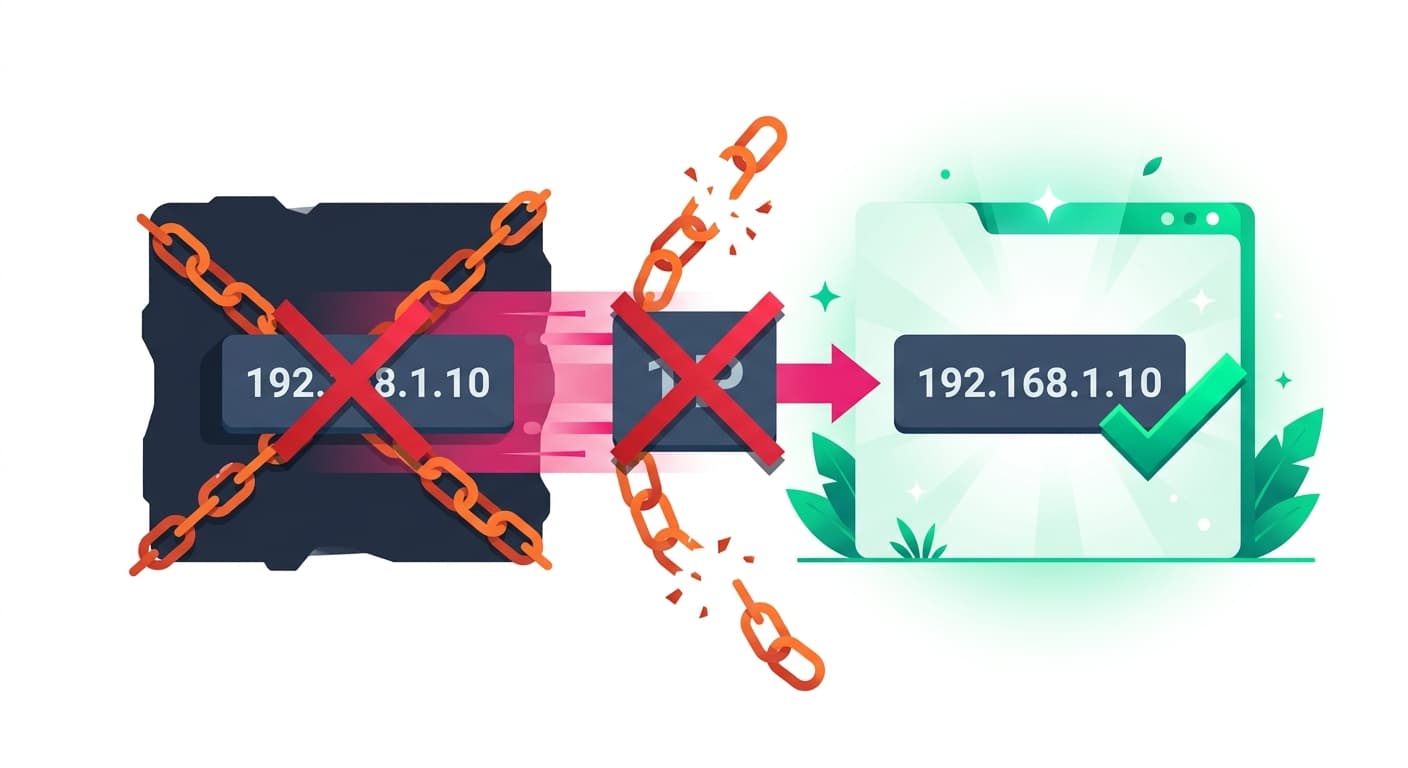
Email Blacklist Removal: Step-by-Step Guide
How to check if you are blacklisted, request removal from major blacklists, and prevent future listings.
Stekpad Team
Email Deliverability Experts
How to Check If You Are Blacklisted
"Most email blacklist appearances are invisible until they cause a deliverability crisis — by the time bounce rates spike and campaigns stop performing, a blacklisting event may have been silently affecting inbox placement for days or weeks." Proactive blacklist monitoring is the only way to catch listings before they cause significant damage. There are over 200 active email blacklists, ranging from globally significant lists used by virtually every major mailbox provider (Spamhaus, Barracuda) to niche lists with limited adoption. Not all blacklists carry equal weight, but even smaller lists can block delivery to specific networks or ISPs that happen to use them.
The two most important categories to monitor are IP-based blacklists and domain-based blacklists. IP blacklists list specific sending IP addresses known to have sent spam or exhibited malicious behavior. Domain blacklists list domain names that have appeared in spam campaigns, phishing emails, or malware delivery. A sender can appear on an IP blacklist without appearing on a domain blacklist and vice versa, depending on whether the original complaint pointed to the sending IP or the domain in the email headers. You need to check both your sending IP addresses and your sending domain against comprehensive blacklist databases.
Stekpad’s Blacklist Checker queries over 50 major blacklists simultaneously and shows your current status across all of them in a single dashboard view. The checker runs automatically every 24 hours for all domains and IPs registered in your account, with instant alerts the moment any listing is detected. "Running a manual blacklist check takes 45-90 minutes if done thoroughly across all major lists — Stekpad completes the same check in under 60 seconds and stores results historically so you can see when each listing appeared."
To check manually without Stekpad, use MXToolbox’s Blacklist Check tool, which queries approximately 100 lists. For Spamhaus specifically, check each sub-list separately: the SBL (Spamhaus Block List for known spam sources), XBL (Exploits Block List for hijacked IPs), PBL (Policy Block List for IPs not authorized to send direct-to-MX email), and DBL (Domain Block List for domains appearing in spam). A hit on any Spamhaus list is high priority because Spamhaus data is used by the majority of global email infrastructure.
Major Blacklists: Spamhaus, Barracuda, and SORBS
Spamhaus** is the highest-impact blacklist in email deliverability. Spamhaus operates four relevant lists: the SBL lists IP addresses of known spam operators; the XBL lists IPs compromised by viruses or hijacked for spam; the PBL lists IP ranges that should not be sending direct-to-MX email; and the DBL lists domains that have appeared in spam campaigns. An SBL listing is the most serious because it indicates your IP has been flagged as a deliberate spam source, triggering rejections or aggressive filtering from virtually every major mailbox provider globally. To request removal, visit spamhaus.org/lookup and enter your IP or domain. **"Spamhaus SBL removal requires demonstrating that the spam issue has been resolved — submitting a removal request without fixing the root cause will result in re-listing within days."
Barracuda Networks operates the BRBL (Barracuda Reputation Block List), used by organizations running Barracuda email security appliances. Barracuda listings affect delivery to corporate and enterprise recipients running Barracuda infrastructure. The listing process is automated based on Barracuda’s spam trap network and complaint data. To check your status, visit barracudacentral.org/lookups. Removal requests can be submitted at the same site after you have resolved the underlying sending issue. Barracuda typically processes removal requests within 12-24 hours for first-time listings from legitimate senders.
SORBS** (Spam and Open Relay Blocking System) operates one of the oldest and most comprehensive blacklist databases, covering spam sources, open relays, dynamic IP ranges, and more. Check your status at sorbs.net. SORBS operates multiple sub-lists, so a lookup may show listings in multiple sub-lists simultaneously. Removal from SORBS’s SPAM list requires submitting a delisting request through their web interface along with documentation that the spam issue has been addressed. **"SORBS removal can take 1-5 business days and sometimes requires payment of an administrative fee for commercial senders — plan for this timeline when scheduling reputation repair efforts."
Other significant blacklists to monitor include URIBL (URL-based Real-time Blocklist, which lists domains appearing in spam email URLs), Spamcop (which aggregates spam complaints from a large reporter network), and the major regional blacklists operated by European and Asian telecom providers. Stekpad’s Blacklist Checker covers all of these lists and provides direct links to each operator’s delisting process when a listing is detected.
The Delisting Process Step by Step
Before submitting any delisting request, resolve the underlying issue that caused the listing. Submitting a removal request while the original problem is still present will result in immediate re-listing, and repeat listing requests are treated more skeptically by blacklist operators. Common root causes that must be resolved before requesting removal: a compromised sending account or server hijacked for spam, authentication misconfiguration that allowed your domain to be spoofed, list quality issues that generated spam complaints or spam trap hits, and overly aggressive sending that triggered rate-limit violations.
Step 1: Identify every list you appear on.** Use Stekpad’s Blacklist Checker or MXToolbox to get a complete picture of your current listing status. **Step 2: Resolve the root cause completely.** Confirm the resolution by checking your DMARC reports, reviewing your sending logs, verifying your authentication records, and auditing your list for spam trap addresses. **Step 3: Submit removal requests to each blacklist operator.** Each operator has its own process — Stekpad’s Blacklist Checker provides direct links and specific instructions for each list. **"Submitting well-documented removal requests that clearly explain the root cause, the resolution steps taken, and your prevention measures gets significantly faster responses than generic requests."
Step 4: Monitor for re-listing. After receiving confirmation of removal, monitor your listing status daily for at least two weeks. Re-listings that occur within the first two weeks of removal typically indicate the root cause was not fully resolved. If you are re-listed, investigate more deeply before submitting a second removal request — repeated removal requests without genuine resolution damage your credibility with blacklist operators and can result in longer automatic re-listing periods. Step 5: Verify deliverability improvement. After delisting is confirmed, run a placement test using Stekpad’s Placement Testing feature to verify your inbox placement has improved. A successful delisting from Spamhaus should show a meaningful improvement in inbox placement rates within 24-48 hours of removal confirmation.
Preventing Future Blacklist Appearances
The single most effective blacklist prevention measure is maintaining a permission-based email list acquired exclusively through confirmed opt-in. Spam traps — the primary mechanism through which blacklists detect and list new spam sources — are email addresses that were never owned by legitimate human users or were abandoned for years before being converted to trap addresses. The only way for a spam trap to end up on your list is if you used a non-permission source or if you continued sending to old, stale contacts who had stopped engaging years ago.
"Implementing real-time email validation at the point of signup prevents typo-based bad addresses from entering your list, which eliminates a significant source of hard bounces and potential spam trap hits." Use an email validation API at your signup forms to catch typos, disposable email addresses, and known spam trap patterns before they enter your list. Combine this with double opt-in confirmation to ensure only genuinely interested, human users with valid addresses are added to your list.
Regular list hygiene is the ongoing operational discipline that prevents blacklist appearances. Remove hard bouncing addresses immediately after each send. Remove email addresses that have not opened or clicked any email in 90-180 days. Run your list through an email validation service quarterly to remove addresses that have become invalid. Stekpad’s platform integrates list hygiene recommendations into its health score monitoring, alerting you when your bounce rate or engagement metrics suggest list quality is degrading.
Dedicated sending IPs with proper warm-up are another critical prevention measure. Shared IPs expose you to blacklist risk from other senders using the same infrastructure — you can do everything right and still find your sending IP blacklisted because another tenant on the same IP sent spam. For organizations with multiple sending streams, separating these streams onto dedicated IPs means a problem in one stream does not contaminate the others.
Continuous Blacklist Monitoring with Stekpad
Blacklist monitoring is only effective when it is continuous, comprehensive, and fast to alert. Checking blacklists once a week is insufficient — a Spamhaus listing that occurs on a Monday and is not discovered until the following Monday’s manual check will have silently degraded your deliverability for seven days, potentially affecting tens of thousands of emails and damaging a reputation you spent months building.
Stekpad’s Blacklist Checker runs automated checks every 24 hours across 50+ major blacklists, covering both your sending domain and all registered sending IP addresses. When a listing is detected, Stekpad sends an immediate alert via email and dashboard notification, including the specific blacklist, the reason for listing if available, and a direct link to the delisting request page. "Stekpad users who have blacklist monitoring enabled catch listings within 24 hours on average — without automated monitoring, the median time to discover a blacklist appearance is 6-10 days, during which reputation damage compounds daily."
The Blacklist Checker dashboard shows historical listing data, allowing you to see when each listing appeared and how long it lasted. This historical view helps you correlate blacklist appearances with specific sending events to identify root causes more quickly, and it provides documentation of your delisting history that is useful when dealing with blacklist operators who may ask about previous listings.
For organizations with complex email infrastructure — multiple sending domains, multiple IP ranges, multiple ESPs — comprehensive blacklist monitoring manually is impractical. Stekpad’s Enterprise tier supports monitoring of multiple domains and IP ranges simultaneously, with a unified dashboard view that highlights any organization-wide listing at a glance. The cross-domain view makes it easy to identify whether a listing affects a single sending stream or a systemic infrastructure issue affecting multiple domains simultaneously.
Get deliverability tips in your inbox
Join 2,000+ email professionals who receive our weekly newsletter with actionable tips on improving inbox placement, sender reputation, and email authentication.
No spam. Unsubscribe anytime. We practice what we preach.